Direct when possible.
Browser-friendly video streams directly with byte-range support. Formats browsers cannot usually play are converted on demand with the bundled FFmpeg helpers.

Streeeeamer
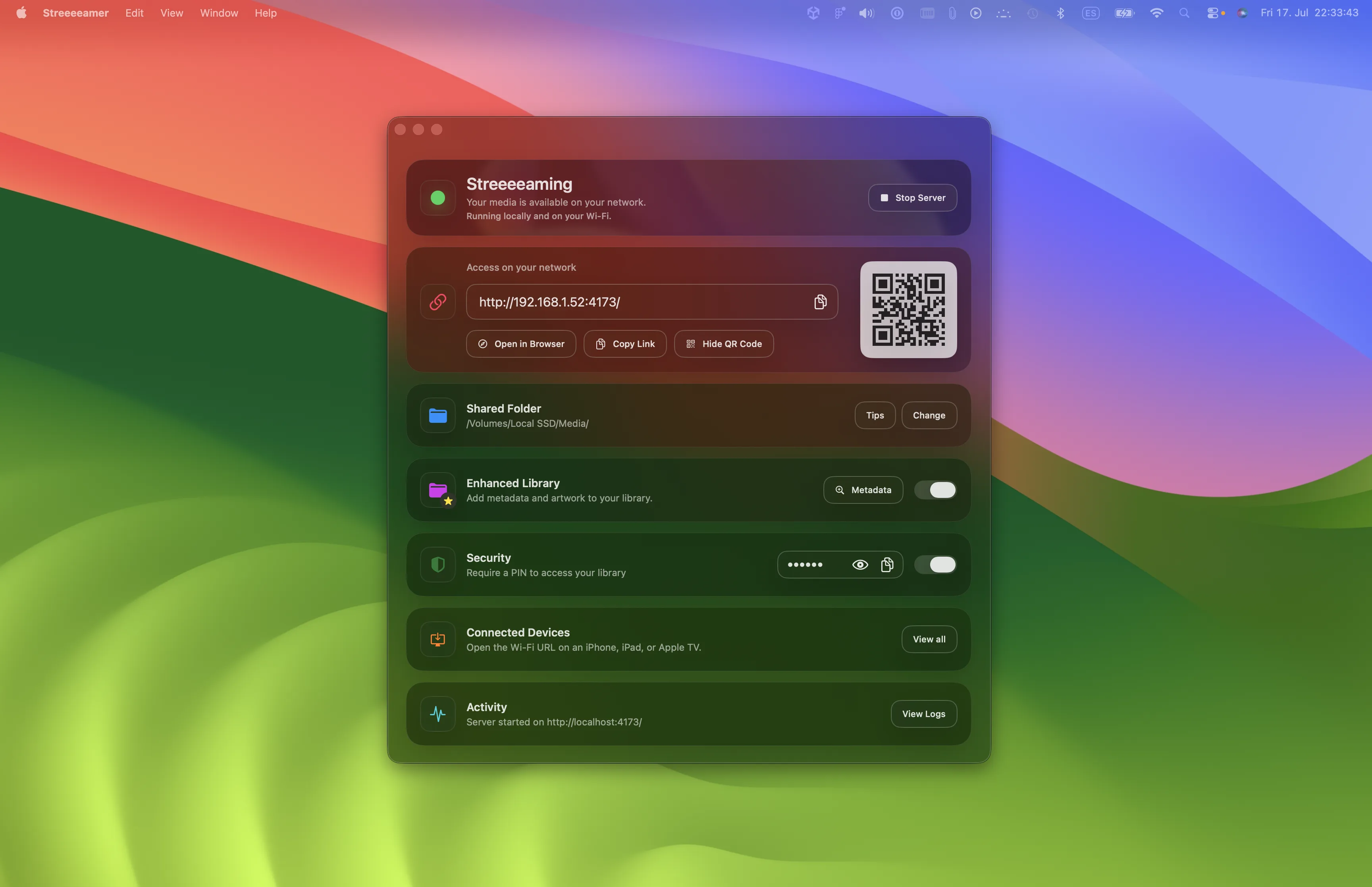
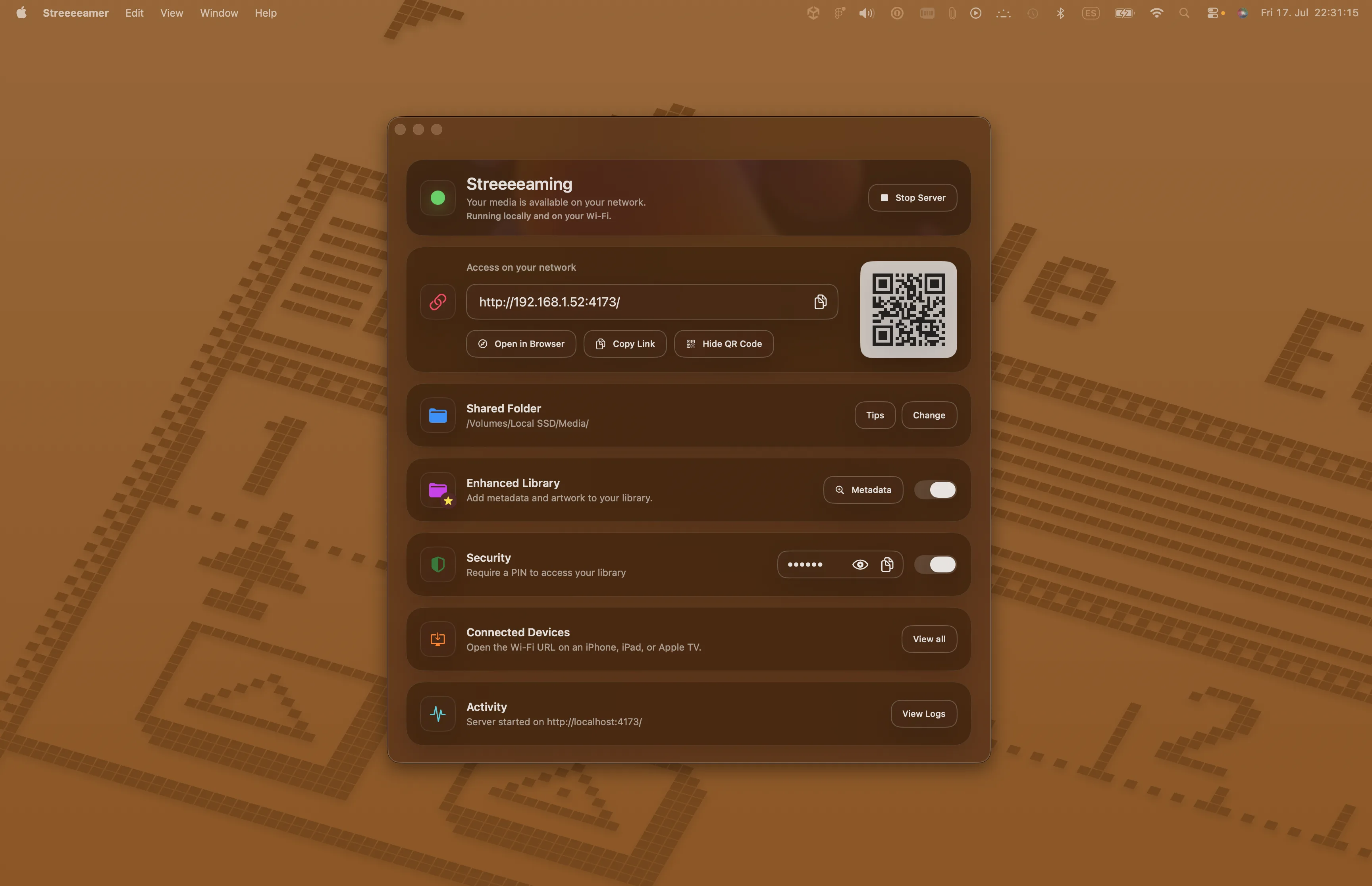
Choose a folder on your Mac and watch it from a browser on another device connected to the same local network.
The idea
New · Sync
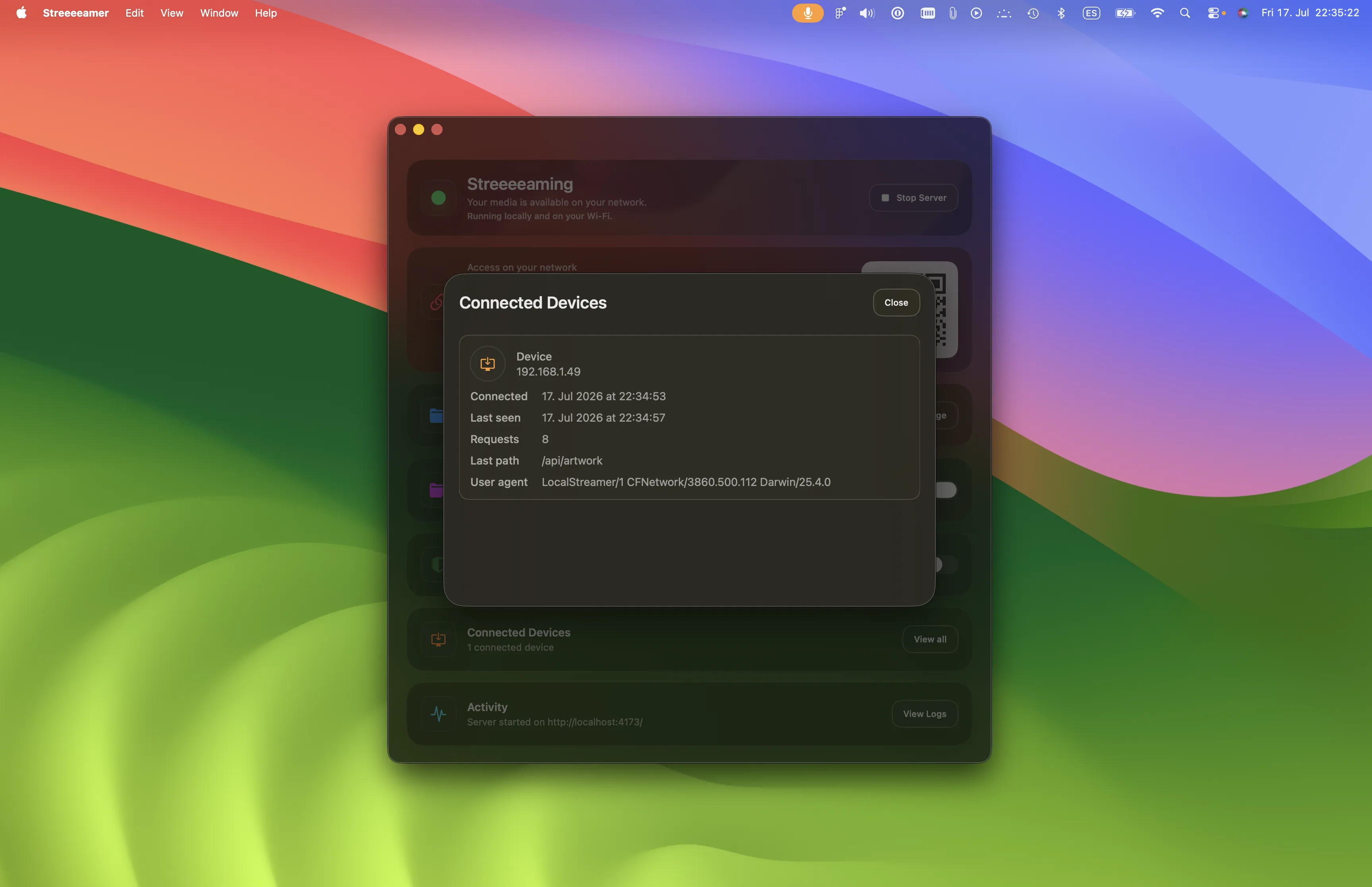
Start watching on one device, then let someone else on your local network join the active session. Streeeeamer brings them to the same title and playback position, then keeps play, pause, seeking, and media changes in step for everyone.
Start watching. Active playback automatically becomes available to other signed-in devices on the same network.
Join from Sync. The second viewer sees what is playing and joins at the current point.
Control it together. Play, pause, seek, and title changes are shared across the session.
How it works
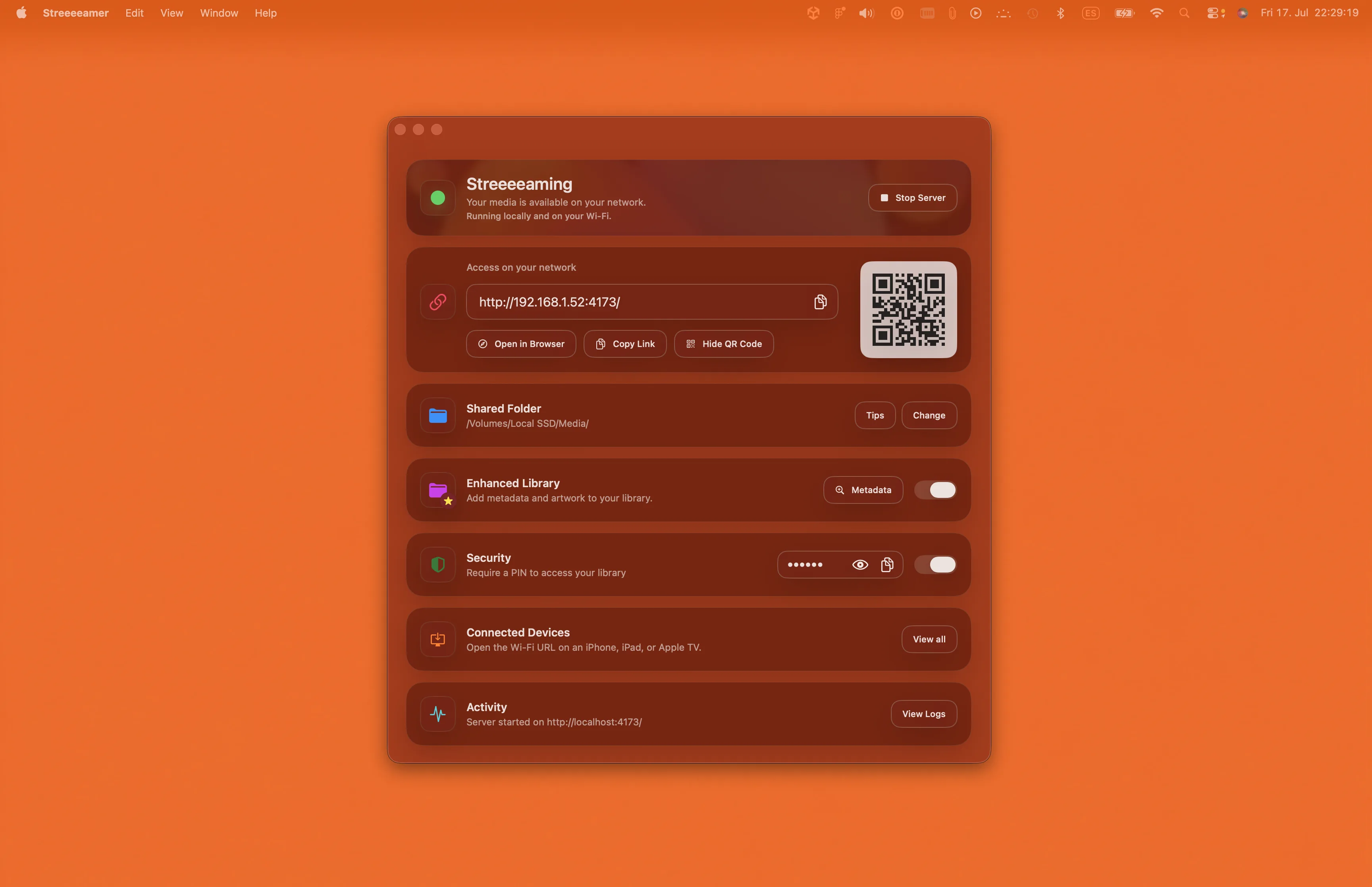
Pick the media folder you want Streeeeamer to share. The app keeps access through a secure macOS bookmark.
Streeeeamer shows the Wi-Fi address and a PIN. Give both only to devices you trust.
Browse the folder and play from a phone, tablet, computer, or other browser on the same Wi-Fi.
Playback
Browser-friendly video streams directly with byte-range support. Formats browsers cannot usually play are converted on demand with the bundled FFmpeg helpers.
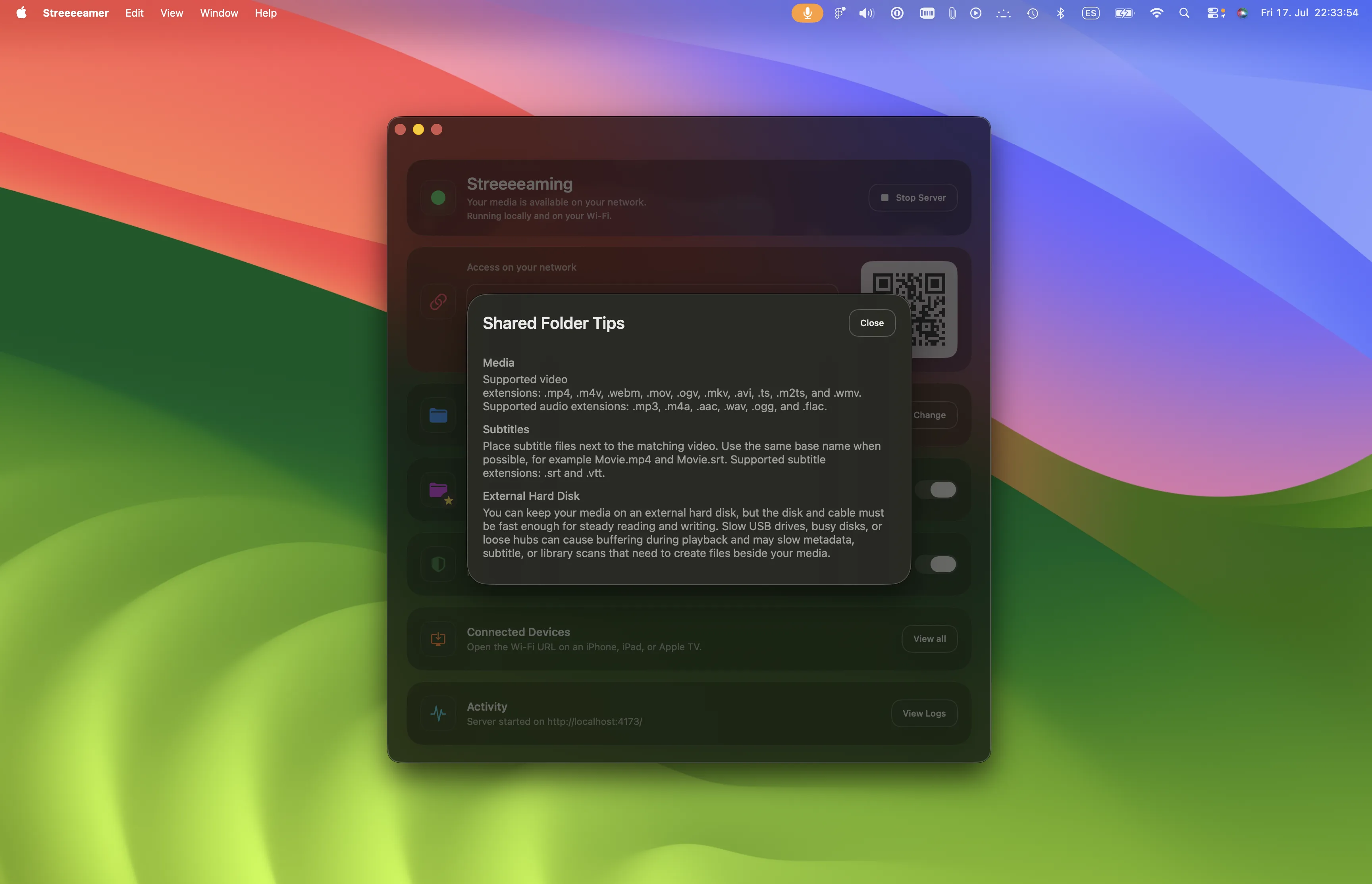
Nearby SRT and VTT files are detected automatically. Compatible embedded text subtitles are exposed to the browser, while supported image subtitles can be burned into converted video.
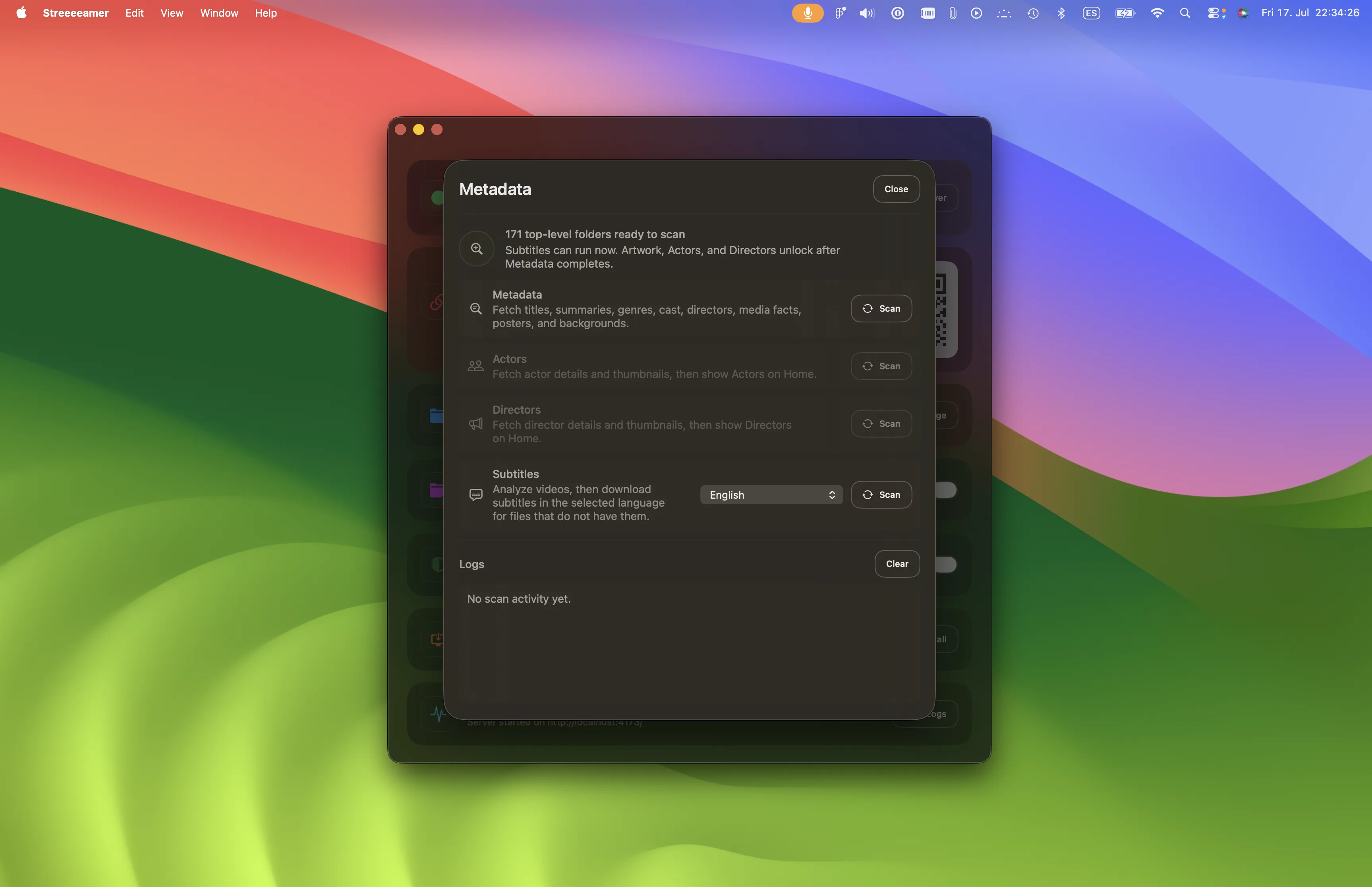
Enhanced Library is optional. It can add titles, summaries, genres, people, artwork, and downloaded subtitles to your selected folder.
The Mac app
Privacy
Playback stays between your Mac and devices on your local network. Optional Enhanced Library searches may send inferred titles, years, people, and subtitle-language choices to the named metadata and subtitle services—but never your video files.
Read Privacy & DataAt a glance
Resources